GTA 6 on Xbox Series S: Storage Fixes Before Installing
Check the Xbox Series S internal free space in Settings rather than relying on nominal SSD capacity.
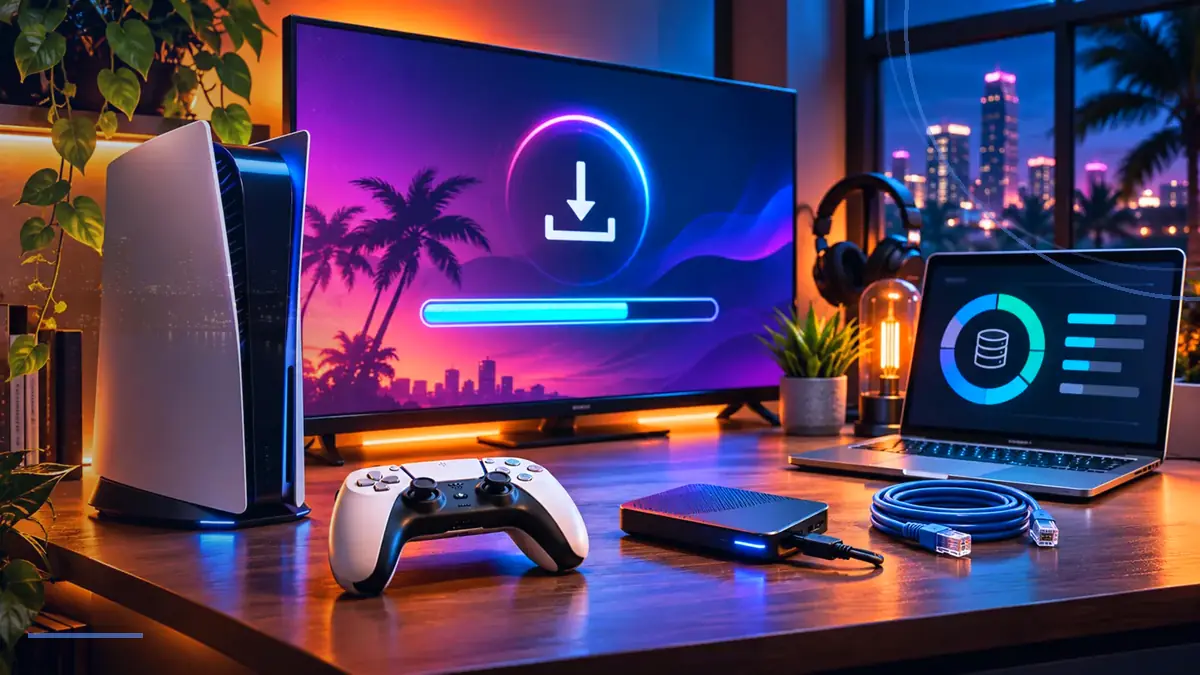
Original illustration, not gameplay footage.
The GTA VI installation can require up to 212 GB depending on console. On a 512 GB Xbox Series S, check actual free space in Settings before downloading, and use the console’s storage management to move or uninstall games you do not currently play.
The capacity on the box is not the usable capacity
Console operating systems reserve space, so total nominal storage is not what you can fill with games. A large GTA VI install takes a substantial share of a smaller Series S. The correct number is the free capacity shown by your own console.
Do not assume the same figures for every Series S revision or for an expansion card. Confirm your model and each drive’s available capacity inside Xbox storage settings.
Which storage devices can run current-generation games?
For many Xbox Series X|S optimized games, external USB storage can hold installations for archival but cannot launch them directly. Internal console storage and compatible official expansion storage are the normal play locations. Check the current Xbox restrictions for the title.
If you move a large game off the internal drive to free space, remember the time needed to move it back later. Moving is often preferable to downloading a whole game again.
What to do when installation stops
Check the installing account and game license, download queue, internet connectivity, and available space. Restart the installation from the purchased game’s Microsoft Store listing when needed.
A “special compressed GTA 6 Xbox installer” from a third-party website cannot change the console’s licensing rules. Do not sign into a stranger’s profile or pay for claimed early access.
The easy plan
Take five minutes to look through installed games, identify the largest title you can move, and reserve more than the minimum shown by the new installation. Protect captures and local save data before removing content.
Our storage calculator is useful for comparing scenarios but does not detect console hardware or account licenses.
A practical next step
Use the Xbox storage menu to distinguish internal space from an external USB drive. Games optimized for Xbox Series X|S can have additional storage and launch-location requirements, so a large USB drive is not automatically a replacement for compatible expansion storage. Move supported games you are not using, keep your game saves, then retry from the native installation queue. Record the precise error code if download or verification still fails.
Practical checklist: on Xbox Series S: Storage Fixes Before Installing
1. Check the Xbox Series S internal free space in Settings rather than relying on nominal SSD capacity.
2. Remove unused local installs or transfer supported items to storage that matches Microsoft’s rules.
3. Confirm you have the correct game entitlement and enough capacity for up to 212 GB if the installer requires it.
4. Resume the install on stable networking after checking for stalled updates in the queue.
Before you commit to a purchase, account change or storage deletion, use the official link in the sources section to check the most recent platform-specific wording. Platform menus and entitlement policies can change after a system update.
A practical way to use this guide
Identify the action you are trying to complete, the platform you own and whether you need a verified fact or a personal preference. Follow checks that are reversible first. Then compare your result with official store/support information. When you share a solution, include the console model and error text so other readers can tell if it applies to them.
External USB devices can store some games, but native Series X|S titles may require supported internal or expansion storage to play.
Two common situations and what to do next
If you are new to this topic, first work through the checklist in order. Check the Xbox Series S internal free space in Settings rather than relying on nominal SSD capacity. Remove unused local installs or transfer supported items to storage that matches Microsoft’s rules. Do not skip directly to a high-risk workaround just because a short video recommends it.
If you have already tried a solution, return to the particular claim that is still uncertain. Confirm you have the correct game entitlement and enough capacity for up to 212 GB if the installer requires it. Resume the install on stable networking after checking for stalled updates in the queue. Then compare the result against one of the dated primary sources below and note which platform, region or edition applies.
Frequently asked questions
Can GTA 6 fit on a 512 GB Series S?
It may fit if you clear enough usable space; verify your actual available storage and the console’s install requirement.
Will a USB drive solve the problem?
USB storage may archive many games, but do not assume a Series X|S-optimized game will run directly from it.
Where can I see exact free space?
Use Xbox Settings → System → Storage devices. Check the Xbox Series S internal free space in Settings rather than relying on nominal SSD capacity.
How do I clear space for GTA 6 on Series S?
Check the Xbox Series S internal free space in Settings rather than relying on nominal SSD capacity.
Can I launch Series games directly from a USB drive?
Confirm you have the correct game entitlement and enough capacity for up to 212 GB if the installer requires it. Confirm the official platform or publisher guidance before assuming the same behavior on every device.
Should I delete save data to free storage?
Before you commit to a purchase, account change or storage deletion, use the official link in the sources section to check the most recent platform-specific wording. Platform menus and entitlement policies can change after a system update.
Related answers
- GTA 6 Install Stuck? PS5 and Xbox Fixes
Note the exact error message, console model and whether download, installation, verification or launch is failing.
- GTA 6 PS5 Storage: Space Requirements and Fixes
A practical free-space checklist for PS5 owners, with the official “up to 212 GB” reference.
- GTA 6 Compatible Consoles: PS5, Xbox, PC
Avoid device confusion with an at-a-glance guide to native launch platforms and cloud exceptions.
How we checked this
Checked against the named publisher and platform references where they cover these facts. Check the source date for changes. The actionable checklist is independent editorial guidance, not a claim of hands-on testing of every device, build or game scenario.