GTA 6 Compatible Consoles: PS5, Xbox, PC
Avoid device confusion with an at-a-glance guide to native launch platforms and cloud exceptions.

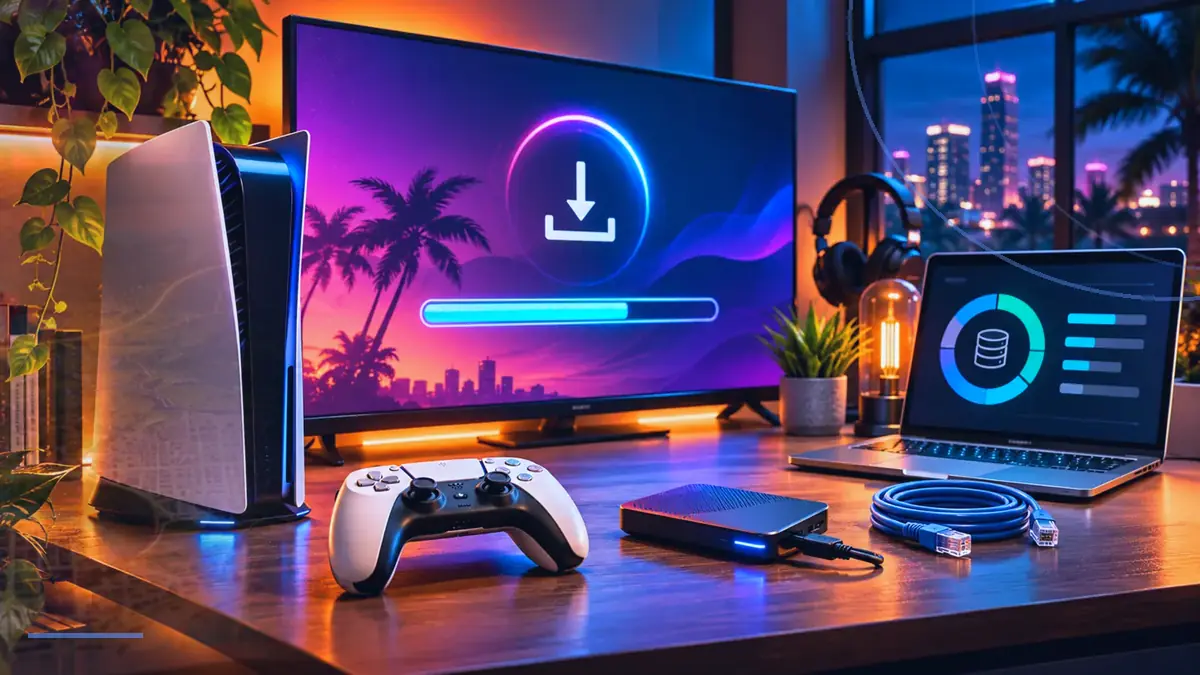
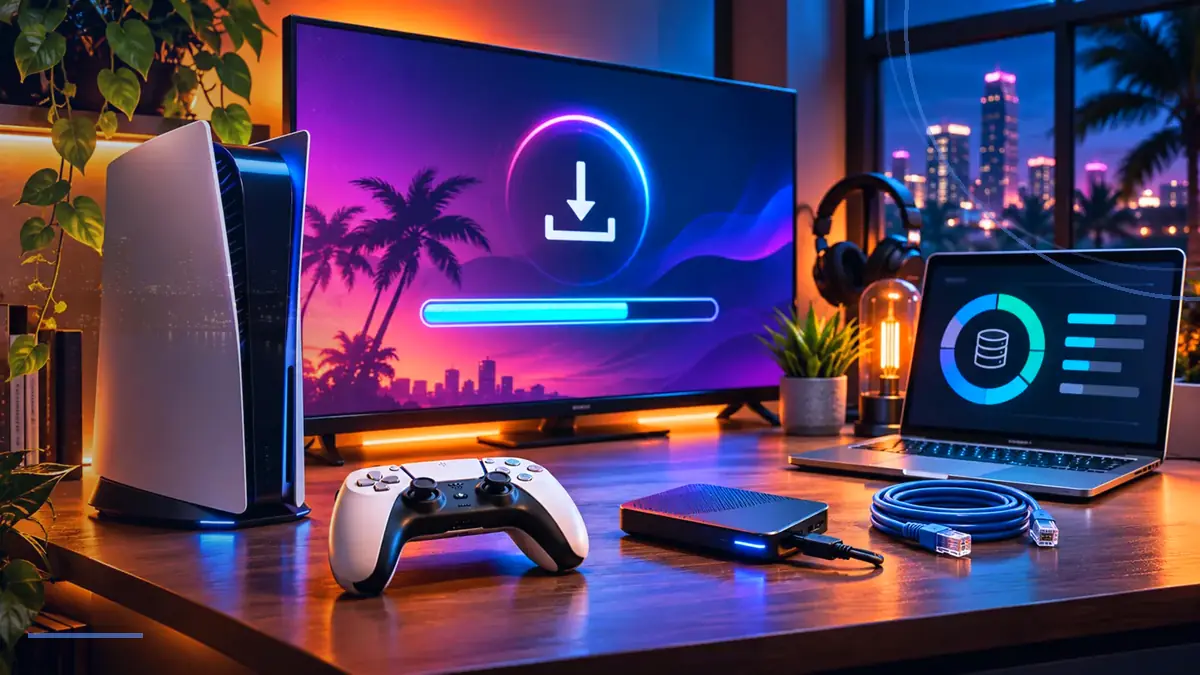
Original illustration, not gameplay footage.
As of November 23, 2026, Rockstar’s native GTA VI release is for PS5 and Xbox Series X|S. Xbox also announced cloud access for certain older hardware. A PS4 APK, Android installer, or Windows crack is not an official native edition.
What is confirmed by Rockstar
The publisher’s November 19 release announcement lists PS5 and Xbox Series X|S. Native support means a game version designed to run on that console, purchased and launched using its supported distribution.
A PS5 controller, Xbox One disc drive, or high-spec Windows PC does not by itself make an unsupported platform compatible. Platform support requires software from the publisher.
Cloud streaming is a separate question
Microsoft announced GTA VI through Xbox Cloud Gaming, including access from Xbox One consoles. Availability varies by account, region and service conditions. A cloud stream is not proof that the game can be installed locally on the device.
For any cloud service, consult Microsoft’s current documentation. Do not rely on a static screenshot from launch week to decide whether a subscription is included.
What to do before spending money
Identify your exact console model, confirm which store you use, and verify the supported edition. If a seller advertises a license for an unsupported platform, stop and check the publisher’s platform list.
The platform checker tool on this site returns the published native-support status and flags cloud conditions explicitly. It is an informational tool, not a store availability lookup.
A practical next step
Use a platform checker to distinguish native support from streaming and Remote Play. A yes for PS5 or Xbox Series X|S means a supported console release, not guaranteed compatibility with every storage setup or account. A no for PC or PS4 indicates no announced native edition in the cited publisher launch announcement; it does not predict future plans. Confirm current status at the official source before spending money.
Practical checklist: Which Console Can Play GTA 6? PS5, Xbox, PS4, PC and Phone
1. Choose the exact console model; “Xbox” or “PlayStation” alone is too broad for a native compatibility answer.
2. Check whether you need native installation, remote play or cloud streaming—three different services.
3. Verify publisher support for the native game and platform-holder eligibility for streaming.
4. If your device is unsupported, avoid unofficial APKs or desktop wrappers promising to unlock native play.
Before you commit to a purchase, account change or storage deletion, use the official link in the sources section to check the most recent platform-specific wording. Platform menus and entitlement policies can change after a system update.
Avoid false certainty
The game is recent and guides change quickly. Platform entitlements, optional subscriptions and availability depend on region and account. Before making a payment or deleting data, confirm the current terms and version. A short answer is only useful when it explains its scope and makes the next safe step clear.
A browser compatibility checker can summarize public facts but cannot detect account license status or local network quality.
Two common situations and what to do next
If you are new to this topic, first work through the checklist in order. Choose the exact console model; “Xbox” or “PlayStation” alone is too broad for a native compatibility answer. Check whether you need native installation, remote play or cloud streaming—three different services. Do not skip directly to a high-risk workaround just because a short video recommends it.
If you have already tried a solution, return to the particular claim that is still uncertain. Verify publisher support for the native game and platform-holder eligibility for streaming. If your device is unsupported, avoid unofficial APKs or desktop wrappers promising to unlock native play. Then compare the result against one of the dated primary sources below and note which platform, region or edition applies.
Frequently asked questions
Is GTA 6 on PS4?
No native PS4 edition is named in the Rockstar launch announcement.
Is it on Android or iPhone?
No native mobile edition is named in the Rockstar launch announcement.
Is there an Xbox One option?
Xbox announced cloud gaming access subject to service requirements; this is not a native installation.
Which devices can play GTA 6 natively?
Choose the exact console model; “Xbox” or “PlayStation” alone is too broad for a native compatibility answer.
Does Xbox One cloud access mean native compatibility?
Verify publisher support for the native game and platform-holder eligibility for streaming. Confirm the official platform or publisher guidance before assuming the same behavior on every device.
Can the checker verify my account entitlement?
Before you commit to a purchase, account change or storage deletion, use the official link in the sources section to check the most recent platform-specific wording. Platform menus and entitlement policies can change after a system update.
Related answers
- Can You Play GTA 6 on Xbox One via Cloud Gaming?
Xbox’s cloud announcement explained, including the difference between native play and streaming.
- GTA 6 Install Stuck? PS5 and Xbox Fixes
Note the exact error message, console model and whether download, installation, verification or launch is failing.
- GTA 6 Refunds: PS5 and Xbox Purchase Help
Find your transaction receipt in the correct PlayStation or Microsoft account.
How we checked this
Checked against the named publisher and platform references where they cover these facts. Check the source date for changes. The actionable checklist is independent editorial guidance, not a claim of hands-on testing of every device, build or game scenario.