GTA 6 Download Size: Up to 212 GB Explained
Use Rockstar’s published up-to-212 GB installation guidance as an upper-end planning input, not as the exact size of every copy. See the practical checklist, updated sources and answers.
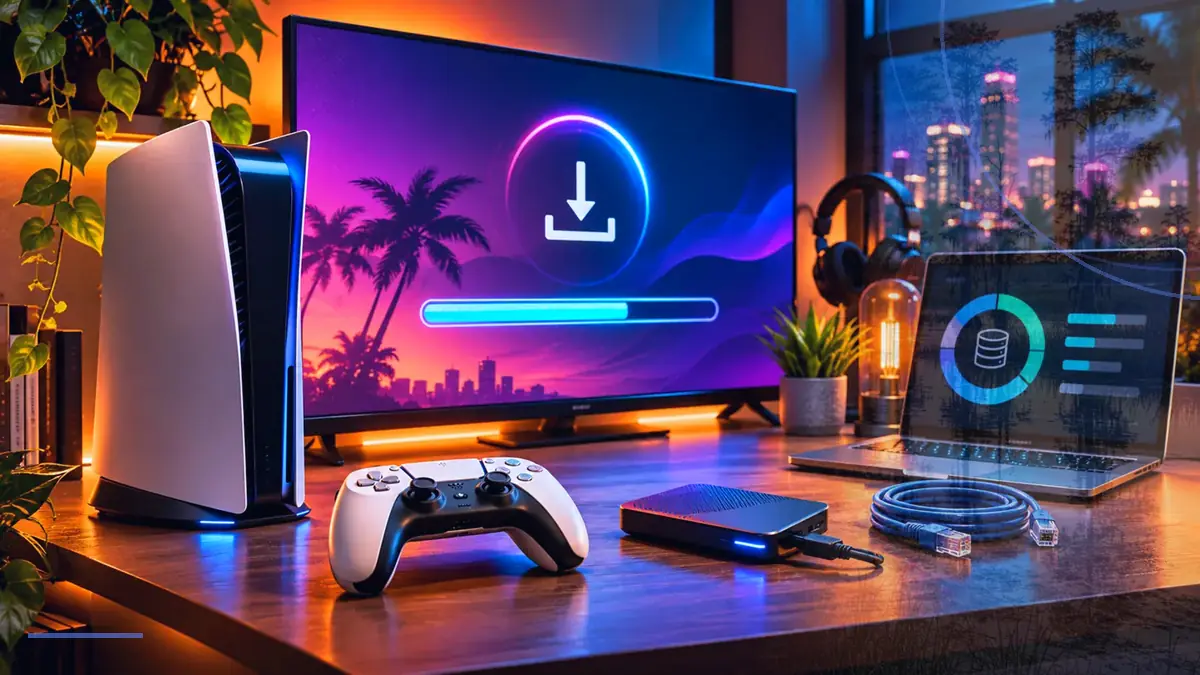
Original illustration, not gameplay footage.
Pre-launch store notes for Grand Theft Auto VI described an install in the low-200 GB range. Confirm the exact size on your PS5 or Xbox Series storage page before you delete other games. A website offering a 5 GB or 15 GB full game is not showing a clever compress. It is showing a fake.
Three different numbers
Download size, installed size, and free space required are not the same. Consoles keep room to apply a patch. Fill the drive to the last gigabyte and the update fails in a way that looks like a conspiracy.
Day-one patches add more. Leave headroom. Then stop comparison-shopping the figure across blogs.
Size is not the same as download duration
Rockstar Support says installation can need up to 212 GB depending on device. Your console may show different stages for download, copying, unpacking and updates; a displayed progress bar is not necessarily a raw internet transfer. On a connection advertised in megabits per second, divide by eight to estimate megabytes per second before accounting for efficiency. Use a calculator and leave room for future patches.
Use a safe diagnosis order
Start with the console's current game tile, installation queue, remaining storage and signed-in account. Record exact error messages before changing anything. Next, consult Rockstar Support and the official PS5 or Xbox help page for that error category. This order avoids destructive steps, third-party 'performance packs', fabricated patch tools and unnecessary save-data deletion. A calculated estimate is not the same as a guaranteed install time.
Practical checklist: Download Size: Up to 212 GB Explained
1. Use Rockstar’s published up-to-212 GB installation guidance as an upper-end planning input, not as the exact size of every copy.
2. Check the current store listing or console installation screen for the actual device-specific figure.
3. Reserve extra room for the OS, other games, updates and temporary installation activity.
4. If space is low, relocate nonessential files using supported console storage-management options.
Before you commit to a purchase, account change or storage deletion, use the official link in the sources section to check the most recent platform-specific wording. Platform menus and entitlement policies can change after a system update.
Keep changes reversible
Write down the original settings and the time of an error before changing multiple options. Restarting the app or checking a queue is usually lower risk than deleting data. Back up any important save according to the platform rules before advanced storage operations. A reversible troubleshooting sequence also makes an accurate support request easier.
GB storage, GiB storage, downloaded transfer bytes and installed footprint are not necessarily the same measurement.
Two common situations and what to do next
If you are new to this topic, first work through the checklist in order. Use Rockstar’s published up-to-212 GB installation guidance as an upper-end planning input, not as the exact size of every copy. Check the current store listing or console installation screen for the actual device-specific figure. Do not skip directly to a high-risk workaround just because a short video recommends it.
If you have already tried a solution, return to the particular claim that is still uncertain. Reserve extra room for the OS, other games, updates and temporary installation activity. If space is low, relocate nonessential files using supported console storage-management options. Then compare the result against one of the dated primary sources below and note which platform, region or edition applies.
Frequently asked questions
How many GB is GTA 6?
Check the console store. Public pre-launch notes were in the low-200 GB range, and patches move it.
Is there a highly compressed PC size?
No. There is no PC version, and a tiny file is not the game.
Is GTA 6 exactly 212 GB on every console?
Use Rockstar’s published up-to-212 GB installation guidance as an upper-end planning input, not as the exact size of every copy.
Why do GB and GiB storage figures differ?
Reserve extra room for the OS, other games, updates and temporary installation activity. Confirm the official platform or publisher guidance before assuming the same behavior on every device.
Should I reserve room beyond the reported download?
Before you commit to a purchase, account change or storage deletion, use the official link in the sources section to check the most recent platform-specific wording. Platform menus and entitlement policies can change after a system update.
Related answers
- GTA 6 Download Time Calculator: 212 GB Guide
Calculate how long your download could take and what speed, units, and Wi-Fi overhead actually mean.
- GTA 6 PS5 Pro: Performance and 60 FPS Claims
No confirmed 60 FPS performance mode is available for GTA VI on PS5 Pro at launch. Published console analysis describes a 30 FPS target, with differing consis
- GTA 6 Controller Settings: Comfortable Setup
Record default look and aim controls before experimenting with sensitivity or inversion.
How we checked this
Checked against the named publisher and platform references where they cover these facts. Check the source date for changes. The actionable checklist is independent editorial guidance, not a claim of hands-on testing of every device, build or game scenario.